
Meet Mia: an AI assistant that actually knows your school

A new kind of assistant lives inside the dashboard your team already uses. It answers questions from your live data and helps your front office get work out the door, in plain language, 24/7.
Most days at a career school come down to a long list of small questions. How many applications came in this week? Who in the welding program still hasn't paid? What has this lead already heard from us in the last month? And so on, and so on. Each answer could technically be a few clicks away. But when stacked up across a team and a five-day week, those clicks add up to real time, and real time is what should be going to students.
Yesterday's piece on the state of AI in this sector made the point that the shift worth paying attention to is AI built into the tools your school already runs on.
Today that arrives.
Meet Mia
Mia is an AI assistant built into the Lumion dashboard your team uses every day. Use it from the welcome screen, or as a side-panel partner as you work across pages in Lumion. Your team types a question in plain English and Mia answers from your school's live data. It helps the whole front office, admissions, enrollment, financial aid, and front desk, across the work each of them already owns.
The thing that makes Mia useful is what it actually knows. It works inside your real programs, your real students, and your real records, which is the line most chatbots bolted onto school websites cannot cross.
What Mia does
Ask literally anything. Your team types a question and Mia pulls the answer from live data. Things like "show me students in the HVAC program who are more than 30 days behind on payments," or "what stage is this lead at, and what have we already sent them." The answer comes back as a structured result the team can act on directly.
Start the day briefed. Open Mia first thing and ask what happened. You get a clean summary of the day before: new leads, new applications, payments that came in, enrollment statuses that changed. Whatever you used to build by hand or schedule as a report, you can now just ask for.
See trends without disjointed spreadsheets. Ask about payments by program, applications by date range, by status, or any other tracked variable. Mia returns the trend in plain English, with the numbers underneath. The question "is the welding cohort falling behind on tuition?" stops being a long pivot-table session and starts being a conversation.
Draft messages and send in a click. When the next step is to write, Mia drafts the email or text in your school's voice. It shows you exactly what will go out, to whom, and on which channel. Nothing leaves until you say yes.
A day with Mia
It's Monday at 8:15 AM. The enrollment coordinator opens Lumion, then opens Mia, and asks for everything that came in over the weekend. Mia lists six new applications: two from the master esthetics program, three from cosmetology, one general. Each new application received general follow-ups through Lead Capture AI, but three need a personal follow-up to book a tour. The coordinator asks Mia to draft a short, personal follow-up to each one, referencing the program they applied to, and requesting their availability. Mia drafts them. The coordinator reads through, edits two lines on one of them, and sends.
Six minutes have passed. The first task of the week is done before the coffee is cold.
You stay in control
The most reasonable question a school leader asks about an AI inside the Pipeline is whether it is going to do something they did not intend. The answer for Mia is straightforward.
Nothing sends or changes without you. Every outbound action, an email, a text, a record update, surfaces a full preview first that shows who it's going to, what it says, and how it's going out. You confirm, change, or cancel.
Mia only sees what the person using it can already see. If a front-desk user does not have permission to view financial-aid records today, Mia does not give them that access tomorrow. Roles and permissions stay where you set them.
And Mia runs on the same Lumion infrastructure your team is already using. No new vendors get added to your stack to make any of this work.
Make it yours
"Mia" is the default name. Schools rename the assistant to whatever fits, a school mascot, a name your students already know, or the name a longtime advisor would have answered to. The new name shows up everywhere Mia does, from the drawer header to the greeting line.
How you can get it
Mia is already live for all Lumion customers, and the rollout will continue to expand over the next few weeks as we announce new products, new features, and new ways for school owners and operators to grow their business.
The work of running a school is not getting smaller. The shape of the help available to do it is changing. Mia is built for the way your front office actually runs and the questions it actually answers all day.
If you're not using Lumion yet, schedule a demo today to see how it could work within your organization.
Read next
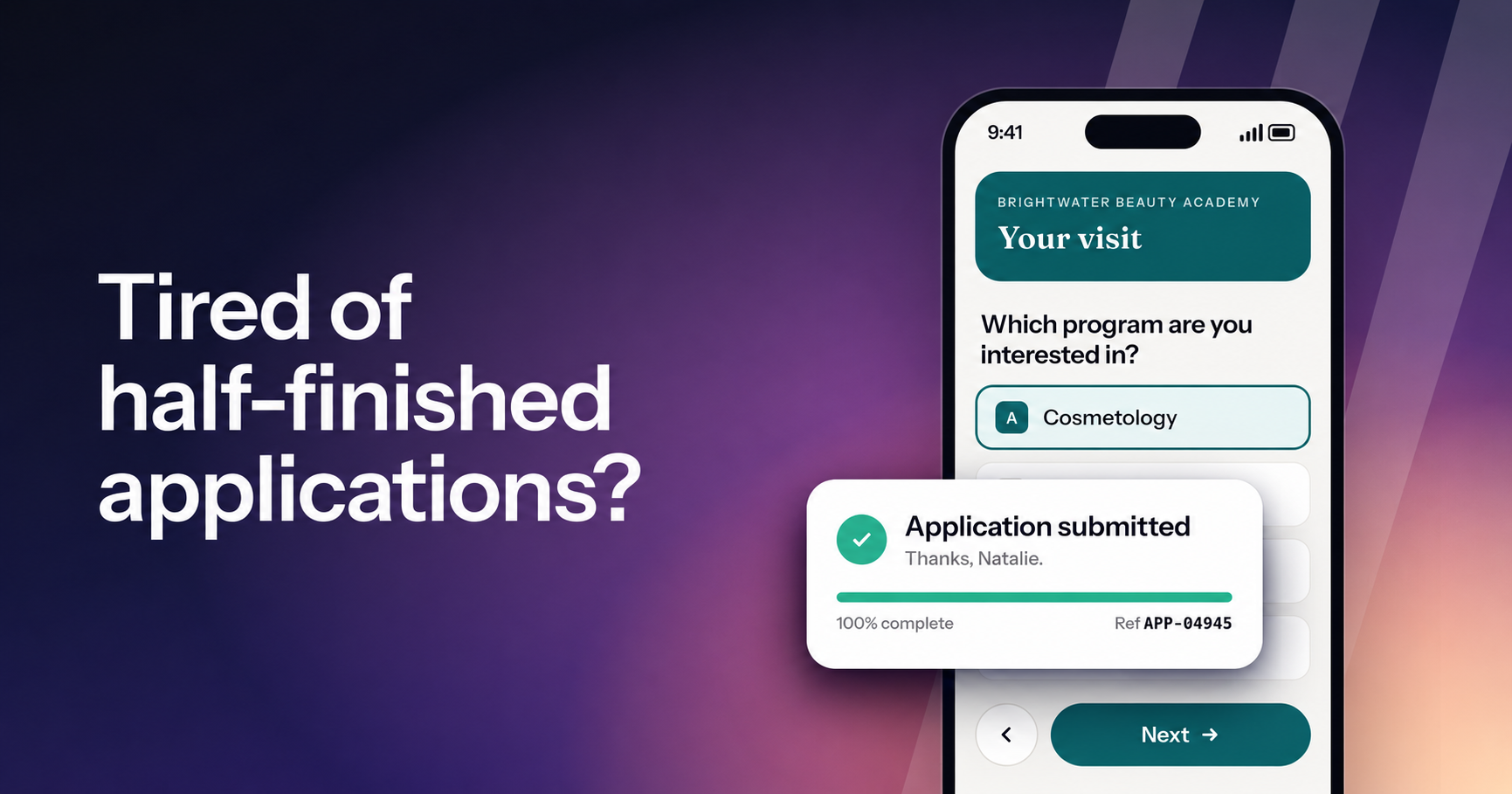
Lumion Forms: mobile-first enrollment forms for career schools
Meet the new Forms in Lumion. Every form is branded, asks one question at a time and is made for the phone, and every submission reaches your team. Live now for every school on Lumion Engage.
Introducing Lumion Inbox: every conversation, every channel, on one student record
The centralized communication system at the heart of the Lumion platform. Every text, email, call, web chat, and social DM lives on one student record — with AI drafts, automations, and campaigns grounded in your school's own knowledge base.
Meet Lumion Voice: the school's phone system, built into the work
A new phone system lives inside the dashboard your team already uses. Every call ties to the student record, every voicemail comes with a transcript, and every line is owned by the school.