
Your AI Admissions Rep Just Got Smarter: What's New in Lead Capture

Your school's website should be your hardest-working employee. Here's how Lead Capture makes that real, and what's new to make it better.
It's 9:47 PM on a Tuesday. A 28-year-old is sitting on her couch, scrolling through welding programs on her phone. She's been thinking about a career change for months. Tonight, she finally clicked on your school's website.
She has questions. How long is the program? Can she work while she's enrolled? Is there financing?
If nobody answers in the next few minutes, she'll close the tab. She'll look at another school tomorrow. Or she won't look at all.
This is the moment that decides whether your school fills that seat.
The speed-to-lead problem is worse than you think
Here's what the data shows about how most schools handle this moment:
The average education institution takes 47 hours to respond to a web inquiry. Admissions reps average just 1.3 contact attempts before giving up. And 38% of institutions don't respond to inquiry form submissions at all.
Meanwhile, 78% of prospective students enroll with the first school that responds. Responding within 5 minutes makes you 21x more likely to qualify the lead than waiting 30 minutes. After the first hour, your chances of ever connecting drop by 10x. After 24 hours, 60x.
The math is brutal. Every hour you don't respond, you're handing students to someone who does.
Lead Capture: your AI Admissions Rep
That's why we built Lead Capture.
Lead Capture is an AI-powered widget that lives on your school's website and works 24 hours a day, 7 days a week. It captures prospective student information, answers their questions about your programs, and routes warm leads to your admissions team, automatically.
It's not a generic chatbot. It's closer to a new team member who never clocks out.
Here's what happens when a prospect interacts with Lead Capture:
- They see a personalized prompt on your website, timed and placed to catch them at the moment of interest.
- They engage by answering a short set of questions through a multi-step form, or chatting directly with the AI agent about your programs.
- On submission, everything fires at once: a contact record is created in your Pipeline, an SMS conversation thread opens, your admissions team gets an email notification, and any automated follow-up sequences you've set up kick in.
- After submission, the conversation continues. The student can keep chatting with your AI agent, which is trained on your actual programs, pricing, schedules, and FAQs, or they see a dynamic end page based on their answers.
- Your admissions rep picks up a warm lead in the unified Inbox and continues the conversation from there. The prospect has already gotten their questions answered. Your rep is starting on second base.
One submission. Five actions. Zero manual work.
What schools using Lead Capture are seeing
We don't make claims we can't back up. Here's the data.
Across all Lumion schools, Lead Capture averages a 5.8% conversion rate. The industry average for website lead capture is 2.6%. That's 2.2x more leads from the same website traffic.
Top-performing schools are doing even better. The top 10% hit a 10.02% conversion rate, converting leads at 3.27x the rate of the bottom 10%.
And the leads aren't just captured. They're contacted. Lumion's SMS response rate is 56.9% (industry average: 45 to 50%), and students respond to texts in about 90 seconds on average. Compare that to email, where the average response time is 90 minutes.
Western Welding Academy: from 49 hours to 10 minutes
Before implementing Lead Capture, Western Welding Academy's response time to student inquiries was 49 hours.
After turning on Lead Capture, that dropped to under 10 minutes.
In their first 30 days, WWA generated 330+ leads, roughly 3x their previous monthly average. In just the first two weeks, they'd captured 150 leads. From the same website, with the same traffic.
The difference wasn't more ad spend. It wasn't a website redesign. It was having someone, or in this case, something, ready to respond the moment a prospect raised their hand.
What's new
We've been listening to the schools using Lead Capture in production. What's working. What's frustrating. What's missing. Here's what we built based on that feedback.
Train your AI in minutes, not hours
Previously, setting up your AI agent's knowledge base meant entering individual Q&A pairs one at a time. That was slow, and it meant your AI only knew what you manually told it.
Now there are two faster paths:
- Website firecrawl: Give Lead Capture your school's URL and it will automatically crawl your website content (programs, tuition, schedules, admissions requirements, FAQs) and use it to train the AI agent. Your AI learns what your website already says.
- Document upload: Upload PDFs (program brochures, catalog pages, financial aid guides) and the AI agent absorbs that content too.
The result: a smarter AI agent that gives prospects accurate, specific answers about your school, set up in a fraction of the time.
The chat bubble that keeps conversations going
When a prospect closes the Lead Capture widget, it used to just disappear. Now it minimizes to a persistent chat bubble on your site.
The bubble shows a customizable welcome message (default: "Have questions? Get started here") and suggested conversation starters, things like "Program Cost," "Financing Options," and "Pre-qualifications." Students can start typing a question before they even submit the form.
The bubble color matches your branding, and you can place it on the left or right side of the screen. It's one more way to catch the prospects who aren't ready to fill out a form but might ask a question.
Returning visitors pick up where they left off
If a student visits your website, starts a conversation, leaves, and comes back later, their conversation is still there. Lead Capture recognizes returning visitors and preserves the entire chat history. No re-entering information. No starting over.
This matters because career school prospects don't make decisions in one visit. They come back two, three, four times before they commit. Every time they return, the conversation should feel continuous, not like they're talking to a stranger.
See every conversation your AI is having
School owners told us they need to trust what the AI is saying to their prospects. Fair.
We added an activity log that shows every inbound and outbound AI response: what the student asked, what the AI answered, and when. The log sits beneath your Leads table on the Submissions page, and it's fully exportable.
You can review conversations, spot patterns, and build confidence that your AI agent is representing your school the way you want it to.
Your AI agent has a name now
You can name your AI agent. The default is "Mia." The name appears subtly on the last message in the conversation as [Name] · AI Agent · [time]. It's a small detail, but it makes the experience feel less robotic and more like a real conversation.
Redesigned for mobile
89.7% of students interface with Lumion on mobile. The previous widget wasn't optimized for that. Now it is.
The widget popup has been completely redesigned for mobile: proper sizing, touch-friendly inputs, and a modern chat experience. We benchmarked the redesign against the best mobile chat experiences in the market and built to that standard.
Exportable leads and clearer metrics
Two quality-of-life improvements operators asked for:
- Exportable leads table. You can now export your entire leads table to a spreadsheet. No more copy-pasting or submitting support requests.
- Clearer metric definitions. The Interactions, Submissions, and Conversions stats on your widget overview page now have definitions you can hover over. We heard from operators that "Conversion" was confusing, conversion to what? Now it's clear.
Cleaner navigation, cleaner UI
The left-nav label changed from "Embedded Lead Capturing" to "Submissions," simpler language that matches how you actually think about your leads. We also fixed a rendering issue that caused visual breaks when navigating between sections, locked the widget header so it stays visible during scroll, and fixed the "Do not show again" button so it stays anchored at the bottom.
Smarter AI behavior
The AI agent no longer responds to off-topic questions. If someone asks about the benefits of having a beard, the AI politely redirects to your school's programs. We also fixed an edge case where the AI asked for a phone number even when it had already been collected in the form, and cleaned up message ordering in conversation threads.
What makes Lead Capture different
There are plenty of form builders and chatbots out there. Here's why Lead Capture isn't in that category.
It's not just a form. A form collects information and puts it in a database. Lead Capture creates a Pipeline contact, opens an SMS thread, notifies your team, and triggers automated follow-up sequences. One submission does the work of five manual steps.
It's not just a chatbot. A chatbot handles conversations. Lead Capture handles conversations AND captures structured lead data through configurable multi-step forms, then hands off to an AI agent trained on your specific school.
It connects to everything downstream. The lead captured today flows into your Pipeline, your Inbox conversations, your automated sequences, and eventually into your Enrollment and Payment workflows. No data re-entry. No disconnected tools. Lead Capture is the front door to Lumion's full operating system for career schools.
Tips from our highest-converting schools
We analyzed Lead Capture performance across our school network and found patterns that separate top performers from the rest. Here's what works:
- Put the widget on high-intent pages. Schools that place Lead Capture on "Get Started," "Enroll," or "Financial Aid" pages see 3 to 10x higher conversion than those who put it on the homepage. Students on those pages already have intent. The widget meets them at the moment of decision.
- Set the appearance delay to 3 seconds or less. Widgets that appear within 0 to 3 seconds average about 30% higher conversion than those with longer delays. On high-intent pages, the student is already there to take action.
- Lead with a benefit, not a greeting. "Find out in 30 seconds what program is best for you" outperforms "Welcome to our school!" by 2 to 3x. Give the prospect a reason to engage in the first sentence.
- Don't be afraid of questions. More questions doesn't mean lower conversion. Multi-step quizzes with 4 to 6 relevant questions sustain engagement and convert well. Single-question forms often underperform because they don't create enough investment.
- The biggest opportunity is before the click. Most conversion loss happens before a visitor interacts with the widget, not during the form. Prominent placement, fast appearance, and a strong CTA close this gap.
What's coming next
We're not done. Here's what's on the roadmap:
- Lead scoring: a system that scores incoming leads based on form responses, chat conversation quality, completion behavior, and contact info quality. Your admissions team will be able to see which leads are most likely to enroll and prioritize accordingly.
- A/B testing: run two widget variants side by side and see which one converts better. Real data, not guesswork.
- AI scheduling: let your AI agent book prospects directly onto your admissions reps' calendars. No back-and-forth. No missed appointments.
These are in active development. We'll share more as they go live.
Ready to see it?
If you're already using Lead Capture, all of these improvements are live in your account right now. Log in and check out the new activity log, train your AI agent with FireCrawl, and see how the chat bubble looks on your site.
If you're a Lumion customer but haven't set up Lead Capture yet, it's included in your Engagement subscription. Your AM can help you get a life in less than 24 hours.
And if you're not on Lumion yet, we'd love to show you what Lead Capture can do for your school. Schools using Lumion capture 2.2x more leads from their existing website traffic. Book a demo at lumion.ai.
Lead Capture is part of Lumion Engagement ($475/mo), the operating system for career schools. Lumion serves 400+ schools across 29+ industries, managing $300M+ in student payment plans for 100,000+ students. Learn more at lumion.ai.
Read next
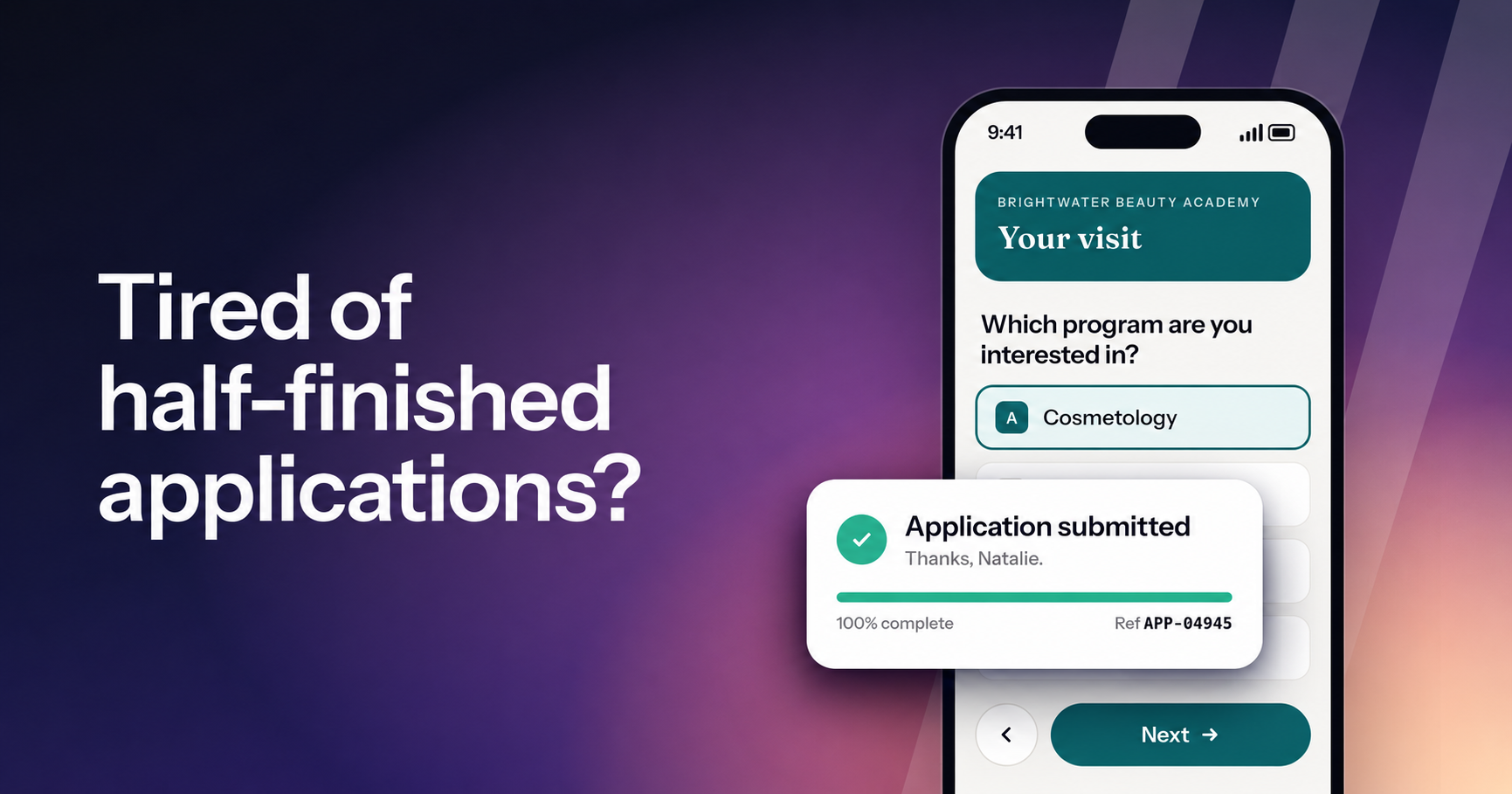
Lumion Forms: mobile-first enrollment forms for career schools
Meet the new Forms in Lumion. Every form is branded, asks one question at a time and is made for the phone, and every submission reaches your team. Live now for every school on Lumion Engage.

Introducing Lumion Inbox: every conversation, every channel, on one student record
The centralized communication system at the heart of the Lumion platform. Every text, email, call, web chat, and social DM lives on one student record — with AI drafts, automations, and campaigns grounded in your school's own knowledge base.
Meet Lumion Voice: the school's phone system, built into the work
A new phone system lives inside the dashboard your team already uses. Every call ties to the student record, every voicemail comes with a transcript, and every line is owned by the school.